

Behöver du ändra antalet våningar eller hur lägenheter kopplar till huvudstammarna? Byggnadskonfiguratorn löser detaljerna.
Öppna Konfiguratorn
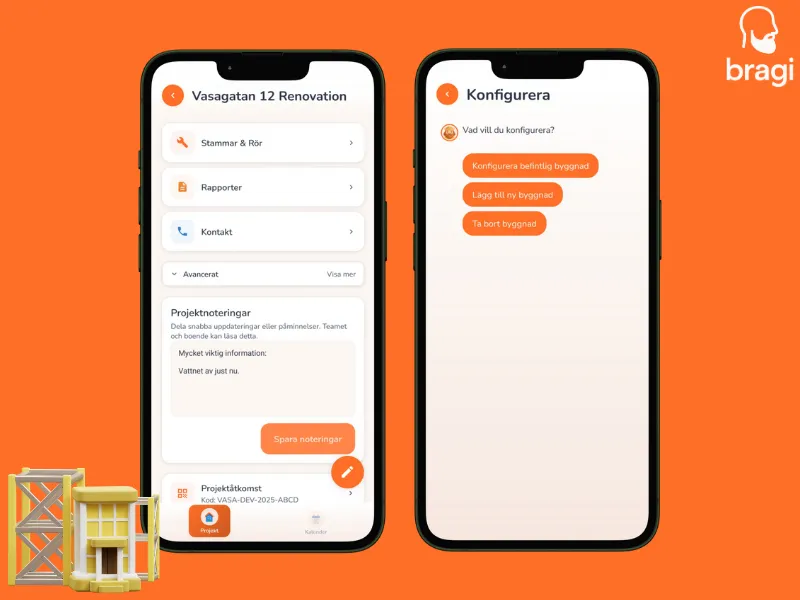
- Öppna ditt projekt.
- Tryck på pennikonen (✏️) längst ner i projektlistan.
- Välj vad du vill göra: Konfigurera Befintlig, Lägg till Byggnad, eller Ta bort Byggnad.
Vad du kan ändra
- Våningar: Lägg till eller ta bort våningar för specifika uppgångar.
- Entréer: Byt namn på trapphus (t.ex. "Uppgång A", "Uppgång B").
- Lägenheter: Justera antalet lägenheter på specifika våningar.
- Rör: Definiera era huvudstammar och koppla dem till lägenheter.
Delade Rör
Delar två lägenheter på en köksstam? Du kan länka dem här! Det ser till att när du uppdaterar statusen för den ena, så får grannen också en notis.