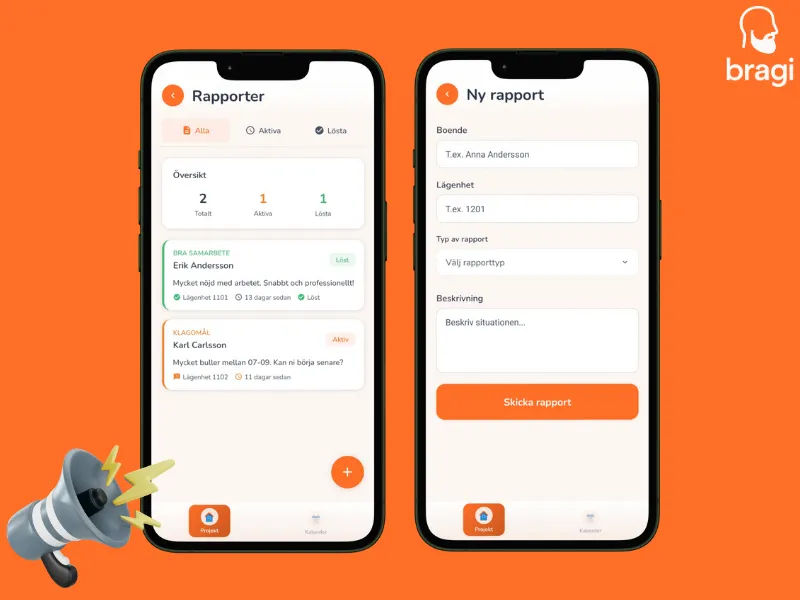

Did a resident complain about noise? Or maybe they were super happy with the clean work? Document it!
How to Create
- Go to the Reports tab.
- Tap +.
- Fill it out:
- Resident: Name and Apartment (e.g., "Anna, 1201").
- Type: Pick the icon that fits best.
- Description: Write what happened. Be specific.
Report Types
- ⚠️ Difficult: Angry residents or complex situations.
- 👍 Positive: Compliments! (We love these).
- ℹ️ Special: "Needs work done before 10 AM".
- 💬 Complaint: Noise, dust, etc.
- 🚪 Access: "Not home", "Changed lock".