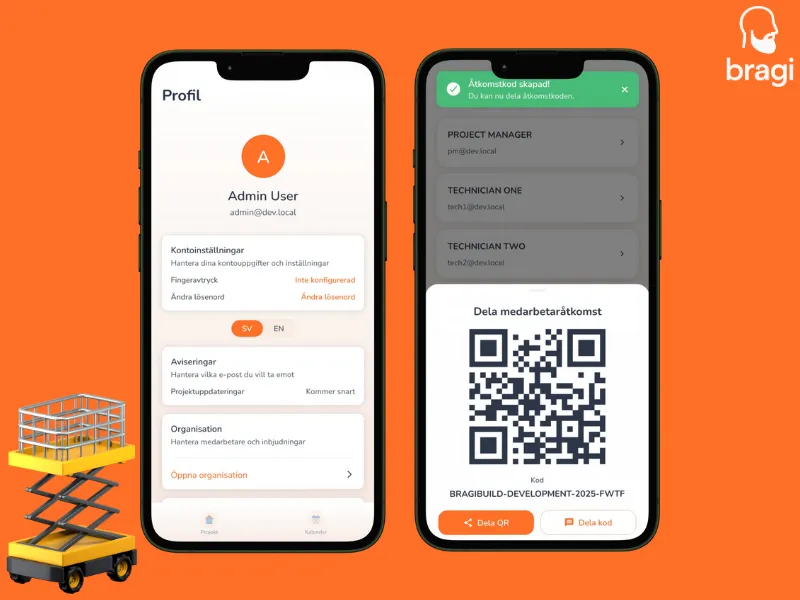

Adding a new team member is quick.
- Go to Profile -> Organisation.
- Tap the plus (+) button in the bottom right corner.
- The app creates a unique Invitation Code.
- Show them the QR code to scan, or send the text code via SMS or Email.
When they enter that code during signup, they are automatically linked to your company and ready to work.